5.0 (107 Ratings)

Linux Installation 
Instructions

INSTRUCTIONS

Instal using the 
Installation script

For a quick and easy installation, you can use our provided script. This method automatically installs all the necessary packages and the application.

Open your terminal.

Run the following command

curl -fsSL https://api.digitalzen.app/downloads/DigitalZen-setup.sh | bash

What This Does:

Downloads and executes the installations 
script securely.

Installs all required dependencies and sets up 
the application.

Ensures your system is ready to run the app.

Note: Always review the script if you have any security concerns by downloading it manually first:

Run the following command

curl -fsSL https://api.digitalzen.app/downloads/DigitalZen-setup.sh -o DigitalZen-setup.sh


less DigitalZen-setup.sh


bash DigitalZen-setup.sh

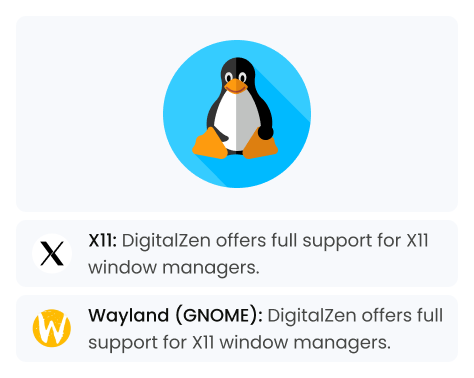
We love Linux!

We’re passionate about supporting the Linux community and making DigitalZen the best it can be. Your feedback is invaluable—if you encounter any issues or have suggestions, please let us know!


👉 More Window Managers Coming!
We’re committed to expanding compatibility based on community demand. If you’d like to see support for additional window managers, please let us know—we’re listening!


UNINSTAL

Unistall Digital zen

We’re sorry to see you go!
To uninstall DigitalZen from your system, please run the following command located on the right in your terminal:


Open your terminal.

Run the following command

curl -fsSL https://api.digitalzen.app/
downloads/DigitalZen-uninstall.sh | bash